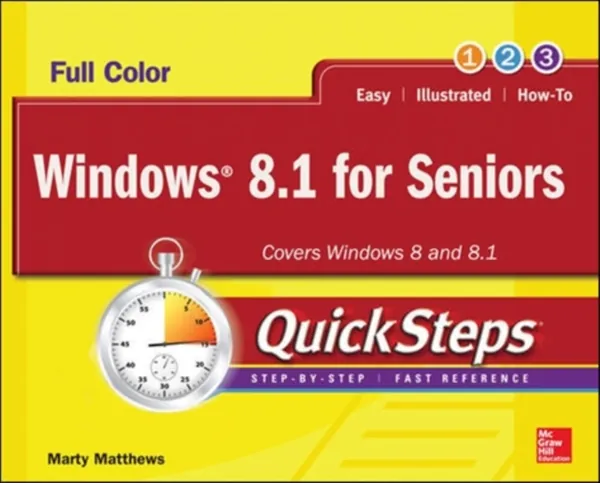
Windows 8.1 for Seniors QuickSteps
E-book
US$31.01
About this title
A full-color, visual guide to the basics of Windows 8.1, written for seniors, by a senior in a jargon-free style, using specific examples in clear, step-by-step instructions
Start using Windows 8 or 8.1 right away--the QuickSteps way. Full-color screenshots on every page with clear instructions make it easy to use this versatile operating system on any device and navigate the interface with a touchscreen, keyboard, or mouse. Written by a senior for seniors, this book shows you how to customize your desktop, store data, browse the Internet, use email, work with documents and photos, enjoy multimedia, access the cloud, and use apps. You'll get tips for maintaining your system, adding hardware and software, and controlling security. This practical, visual guide gets you up and running on Windows 8.1 in no time!
Use these handy guideposts:
- QuickSteps for accomplishing common tasks
- Personal insights from other seniors
- Need-to-know facts in concise narrative
- Helpful reminders or alternate ways of doing things
- Bonus information related to the topic being covered
- Errors and pitfalls to avoid
The unique, landscape-oriented layout of the QuickSteps series mimics your computer screen, displays graphics and explanations side by side, and lays flat so you can easily refer to the book while working on your computer.
Details
- Publisher
- McGraw Hill LLC
- Language
- EN
- Format
- EPUB
- Published
- ISBN
- 9780071832212
- File protection
- Watermark — opens on any reader, no extra account needed